Physical Address
304 North Cardinal St.
Dorchester Center, MA 02124
Physical Address
304 North Cardinal St.
Dorchester Center, MA 02124

Your Guide to the Latest in Tech
Your Guide to the Latest in Tech
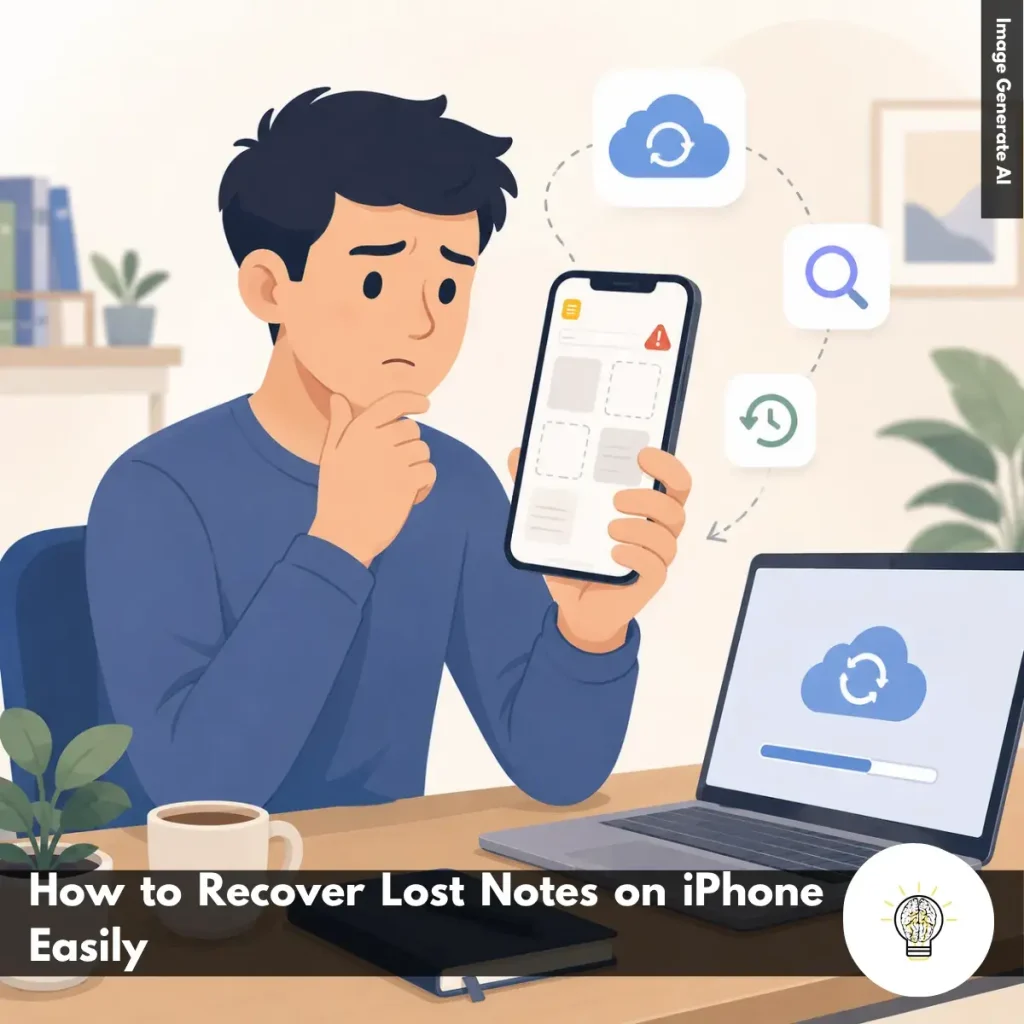
Ruminesia – Your notes can disappear from an iPhone without warning, and it usually happens at the worst time. Whether it’s work ideas, reminders, or personal information, losing them can feel surprisingly stressful.
The good news is that most notes are not permanently deleted. In many cases, the issue comes from iCloud syncing, accidental deletion, or account settings. That’s why knowing how to recover lost notes on iPhone can help you restore them much faster.
Interestingly, many “missing” notes are still stored somewhere on your device or connected accounts. A few simple checks inside the Notes app or iCloud are often enough to bring them back.
Key Highlights:
- Most missing iPhone notes are usually hidden, unsynced, or accidentally deleted.
- Checking the Recently Deleted folder often restores notes within minutes.
- iCloud sync issues are one of the most common causes of disappearing notes.
- Notes may be stored under Gmail, Outlook, or other connected accounts.
- Restarting your iPhone can sometimes fix temporary Notes syncing glitches quickly.
- Recovery software should only be used after built-in recovery methods fail.
If you’re asking, “Why Did My Notes Disappear on My iPhone?”, the issue is usually caused by syncing problems, accidental deletion, or temporary iOS glitches. In many cases, the notes are still recoverable if you check the right places first.
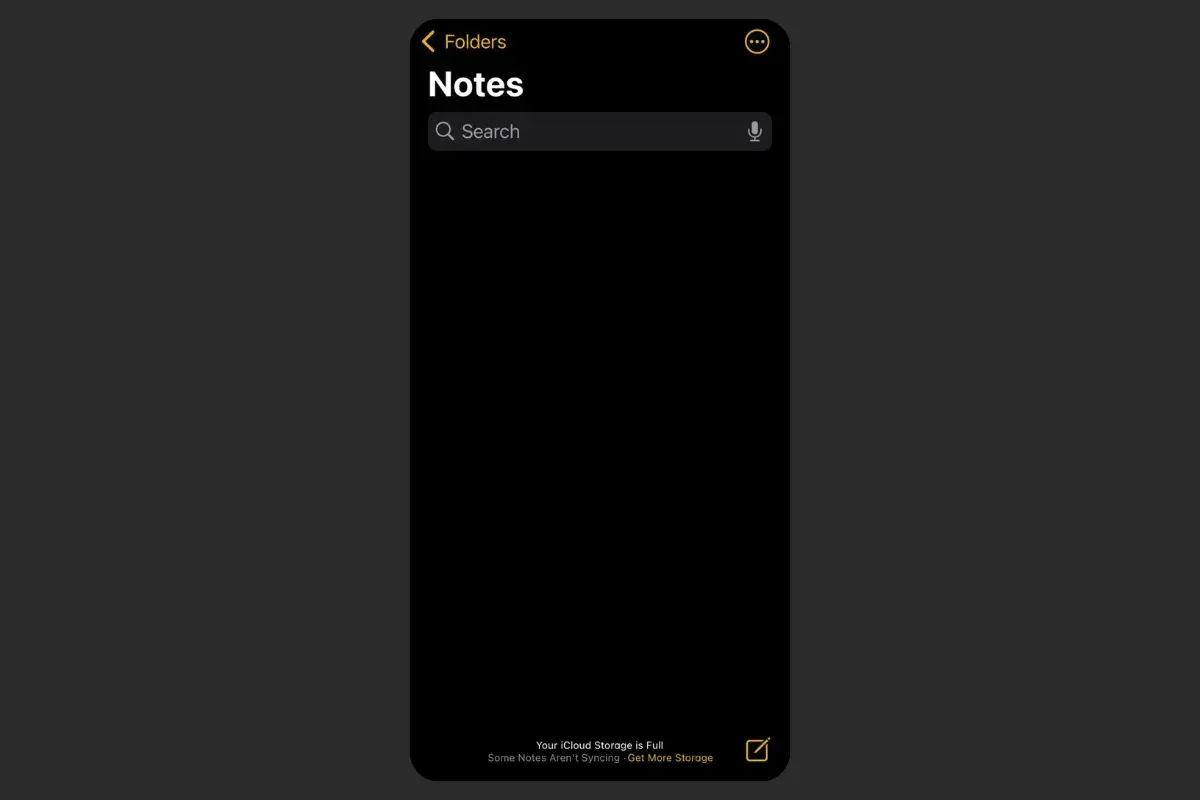
Losing notes on your iPhone can feel stressful, especially when they contain work ideas, reminders, or personal information you rely on every day. The good news is that in many cases, the notes are not permanently gone. They may simply be hidden, unsynced, or stored under a different account.
Before trying advanced recovery methods, start with the built-in options available in the Notes app and iCloud. In practice, most missing notes can usually be recovered within a few minutes if you know where to look.
The first place to check is the Recently Deleted folder in the Notes app. What many users don’t realize is that deleted notes usually stay there for up to 30 days before being removed permanently. Here’s how to restore them:
If the note is still there, recovery is usually instant and doesn’t require any additional tools or backups.
Sometimes notes disappear because iCloud syncing was accidentally turned off. This often happens after changing Apple ID settings, updating iOS, or switching devices. To check iCloud Notes sync:
If it was disabled, enable it and wait a few minutes. Your notes may reappear automatically once syncing finishes.
Besides that, restarting your iPhone after enabling sync can sometimes help force the Notes app to refresh properly.
Not all notes are stored in iCloud. Some may be connected to Gmail, Outlook, Yahoo, or other email accounts linked to your iPhone. To search more thoroughly:
Interestingly, many “missing” notes are simply saved under a different account than users expect.
If your notes were connected to an email account, the account itself may no longer have Notes enabled. Here’s how to check:
If you recently switched accounts or signed out of an email service, your notes may temporarily disappear until the account reconnects.
If the Notes app still does not show your files, try checking iCloud directly from a browser.
This method can help when the issue is related to syncing rather than actual deletion.
If the notes were permanently deleted and no backup exists, recovery becomes more difficult. In some cases, third-party iPhone recovery tools may still detect deleted data from backups or device storage.
However, results are not always guaranteed. The problem is that once data gets overwritten, recovery may no longer be possible.
Because of that, it’s usually best to treat recovery software as a final option after trying all built-in recovery methods first.
Read Also:
The Notes app on iPhone offers more than simple note-taking. Here are practical answers to the questions users ask most often about managing, recovering, and organizing notes.
You can lock sensitive notes directly inside the Notes app.
One thing many users overlook is that locked notes still show their titles, but the content stays hidden.
Deleted notes usually stay in the “Recently Deleted” folder for 30 days before permanent removal. If the notes are no longer there, you may still recover them from an older iCloud or iTunes backup.
In practice, recovery becomes difficult without backups. That’s why enabling iCloud sync is important for long-term protection.
To sync Notes across Apple devices:
Once enabled, your notes automatically appear on connected iPhones, iPads, and Macs using the same Apple ID.
The Notes app includes a built-in document scanner.
Interestingly, scanned documents can also be converted into PDFs automatically.
Yes, Notes supports real-time collaboration. You can share notes or folders through Messages, Mail, or links, then choose whether others can edit or only view the content. Changes appear instantly for everyone involved, making it useful for shared planning or teamwork.
If Notes are not stored in iCloud, they may be saved locally under “On My iPhone” or connected email accounts like Gmail or Outlook.
The main difference is that local notes stay only on that device, while cloud-based notes sync across multiple devices.
Pinning notes helps keep important content easy to access.
You can also long-press the note and choose “Pin Note.” Pinned notes stay at the top of your list until removed.
The Notes app includes a powerful built-in search feature.
Interestingly, iPhone Notes can even search text inside scanned documents and images.
You can create a PDF directly from the Notes app.
This method keeps formatting, images, and checklists intact.
One of the most common reasons is sync or account issues. If you recently signed out of iCloud, disabled Notes syncing, or removed an email account, your notes may temporarily disappear from view.
When asking “Why Did My Notes Disappear on My iPhone?”, it’s also worth checking the correct folders, Recently Deleted, and connected accounts before assuming the notes are permanently gone.
Losing notes on an iPhone can feel frustrating at first, especially when the information matters to your daily routine. But interestingly, many missing notes are usually still recoverable once you know where to check. In practice, the problem is often related to syncing, account settings, or simple accidental deletion rather than permanent data loss.
Understanding how to recover lost notes on iPhone is not just about fixing a technical issue. It’s also a reminder of how much we rely on small digital tools to store ideas, reminders, and important moments throughout the day. Sometimes we only notice how valuable those notes are after they suddenly disappear.
Besides that, knowing a few basic recovery steps can save a lot of unnecessary panic in the future. Have you ever experienced missing notes on your iPhone before, or found another trick that helped recover them?