Physical Address
304 North Cardinal St.
Dorchester Center, MA 02124
Physical Address
304 North Cardinal St.
Dorchester Center, MA 02124

Your Guide to the Latest in Tech
Your Guide to the Latest in Tech
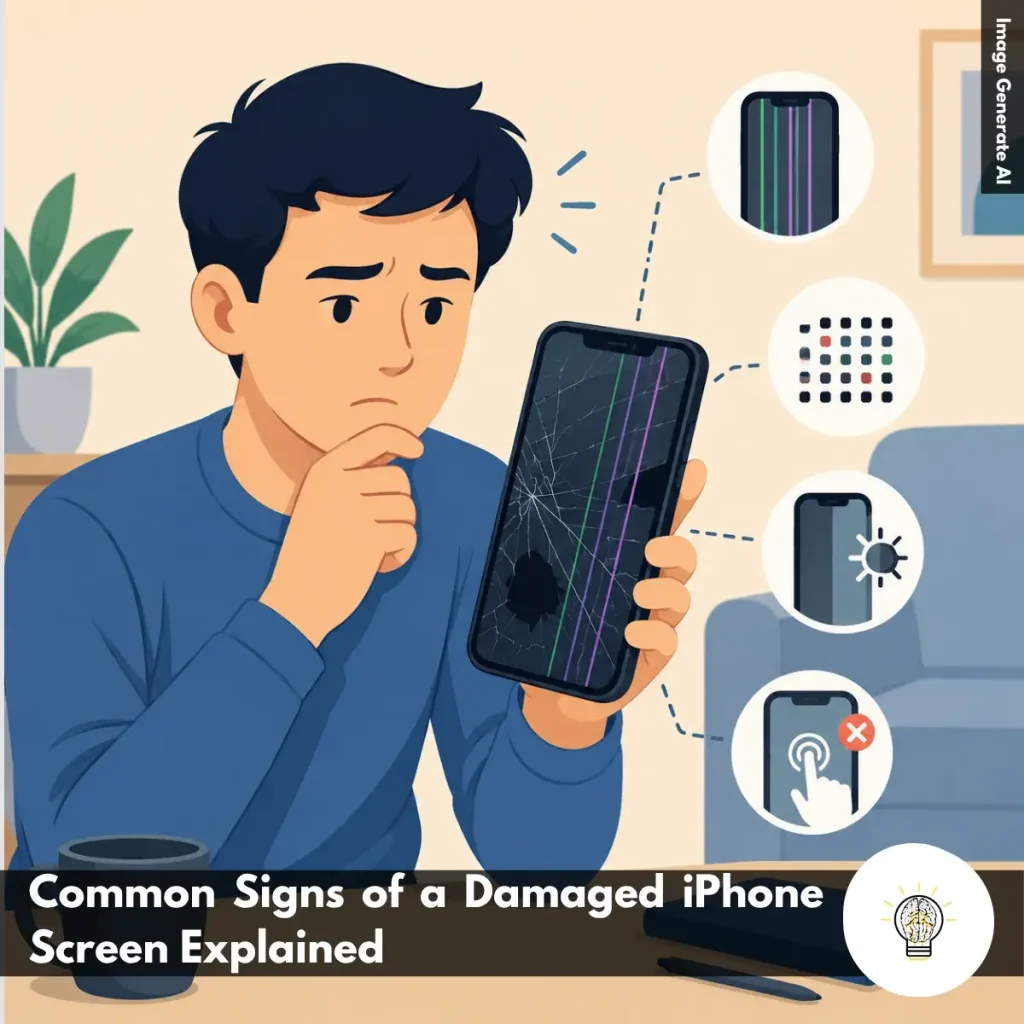
Ruminesia – Have you ever noticed your iPhone screen behaving strangely? A flicker, an unexpected line, or touch controls that suddenly stop responding can seem minor at first, but they’re often early Signs of a Damaged iPhone Screen.
The problem is that screen damage isn’t always obvious. In many cases, subtle display or touch issues appear long before the screen becomes completely unusable, making it easy to overlook the warning signs.
Understanding these symptoms can help you identify potential damage early, avoid bigger problems, and decide whether a simple fix or professional repair is needed.
Key Highlights
- Display issues often indicate hardware damage, not just temporary software glitches.
- Flickering screens, dead pixels, and color distortion are common warning signs.
- Touch problems can signal deeper screen damage, even without visible cracks.
- Ghost touches and unresponsive areas typically worsen if left unaddressed.
- Physical impacts can damage internal display components beyond the glass surface.
- Early diagnosis helps prevent bigger repair costs and usability problems.
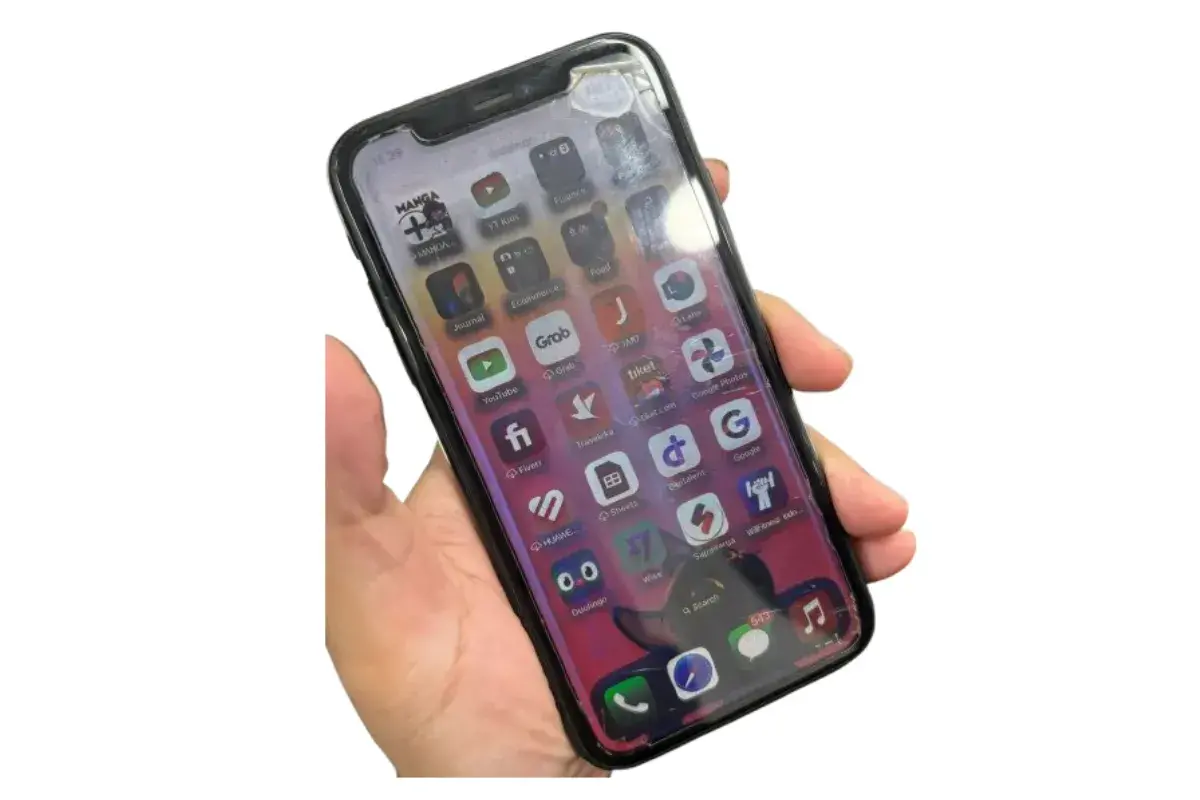
Knowing the Signs of a Damaged iPhone Screen can help you figure out whether the issue is something minor or a sign of deeper hardware damage. In many cases, screen problems start with small symptoms that are easy to ignore, such as occasional flickering or reduced touch sensitivity.
The challenge is that display issues rarely improve on their own. In fact, they often become more noticeable over time. By recognizing the early warning signs, you can decide whether simple troubleshooting is worth trying or if professional repair is the safer option.
One of the first things users notice when an iPhone screen is damaged is that the display no longer looks normal. Images may appear distorted, colors can seem off, or parts of the screen may stop displaying content correctly. Common visual symptoms include:
Interestingly, these issues typically remain even after restarting the device. When that happens, the problem is often hardware-related rather than a temporary software glitch.
A damaged screen not only affects what you see—it can also change how your iPhone responds to touch. Since the display and touch-sensitive layers work closely together, internal damage can lead to frustrating touch behavior. Some of the most common symptoms include:
In practice, these issues can make even simple tasks feel difficult. What many users don’t realize is that touch problems often worsen over time, especially if they are caused by internal display damage rather than software errors.
Visible damage is often the clearest indication that an iPhone screen may need repair. Even if the display still works, impacts and pressure can affect the layers beneath the glass and create problems that are not immediately obvious. Common signs of physical damage include:
Besides affecting usability, physical damage can expose internal components to dust and moisture. If these signs appear alongside display glitches or touch issues, replacing the screen is often the most reliable way to restore normal iPhone functionality.
Read Also:
If you’re dealing with screen damage or display issues, these Frequently Asked Questions About iPhone LCD cover some of the most common concerns. The answers below are designed to help you understand the problem and make informed repair decisions.
The main difference is how the screen produces light. An LCD uses a backlight behind the display, while an OLED screen lights each pixel individually.
Because OLED pixels can turn off completely, they offer deeper blacks, higher contrast, and better power efficiency. Most newer iPhones use OLED displays, while older models like the iPhone XR and iPhone 11 use LCD panels.
Yes, but it’s not a common repair option. Glass-only replacement requires specialized equipment and carries a high risk of damaging the display underneath.
For this reason, most repair shops replace the entire screen assembly, including the glass, digitizer, and display. This approach is usually more reliable and delivers better long-term results.
Vertical lines are often caused by display hardware damage, especially after a drop or impact. Damaged display connections can prevent pixels from displaying colors correctly.
In some cases, a loose display cable may be responsible. However, persistent lines usually require screen repair or replacement.
Black spots that resemble spilled ink are usually caused by a damaged LCD layer. This often happens after the screen experiences pressure or impact damage.
Unfortunately, these spots do not disappear on their own and typically spread over time. Replacing the display is usually the only effective solution.
Not necessarily, but improper repairs can cause Face ID issues. The Face ID system relies on delicate components connected to the original hardware.
Using qualified technicians and quality replacement parts greatly reduces the risk. Apple Authorized Service Providers are generally the safest option for preserving Face ID functionality.
This usually means the phone is still powered on, but the display is not working. Screen damage, backlight failure, or loose internal connections are common causes.
Before seeking repairs, try performing a force restart. If the screen remains black, professional diagnosis is recommended.
True Tone automatically adjusts screen color temperature based on ambient lighting. It helps make the display look more natural and comfortable for your eyes.
You may lose True Tone if the replacement screen is not properly calibrated. Many reputable repair shops can transfer the necessary calibration data during the repair process.
Start by checking brightness, color accuracy, and viewing angles. The display should look clear, consistent, and free from discoloration or dead pixels.
Also test touch responsiveness by typing, scrolling, and using gestures across the entire screen. A quality replacement should feel smooth and responsive in daily use.
Ghost touches occur when the screen responds without any physical input. This is often caused by a failing digitizer, moisture damage, or a damaged display.
One thing many users overlook is the charger. Faulty third-party chargers can sometimes trigger touchscreen interference, so try using an original or certified charger first.
It depends on the device’s condition and repair cost. If the phone still performs well and the repair is affordable, replacing the screen can extend its lifespan significantly.
However, if the repair cost is close to the phone’s market value, upgrading to a newer device may be the more practical choice.
Your iPhone screen is one of the most important parts of the device, so even minor issues shouldn’t be ignored. Recognizing the Signs of a Damaged iPhone Screen early can help prevent bigger problems down the road.
Interestingly, screen damage isn’t always obvious. Subtle issues like flickering, touch delays, or color distortion can be early indicators of underlying hardware problems.
The sooner you spot these warning signs, the easier it is to decide on the right solution. Have you noticed any of these symptoms on your iPhone?