Physical Address
304 North Cardinal St.
Dorchester Center, MA 02124
Physical Address
304 North Cardinal St.
Dorchester Center, MA 02124

Your Guide to the Latest in Tech
Your Guide to the Latest in Tech
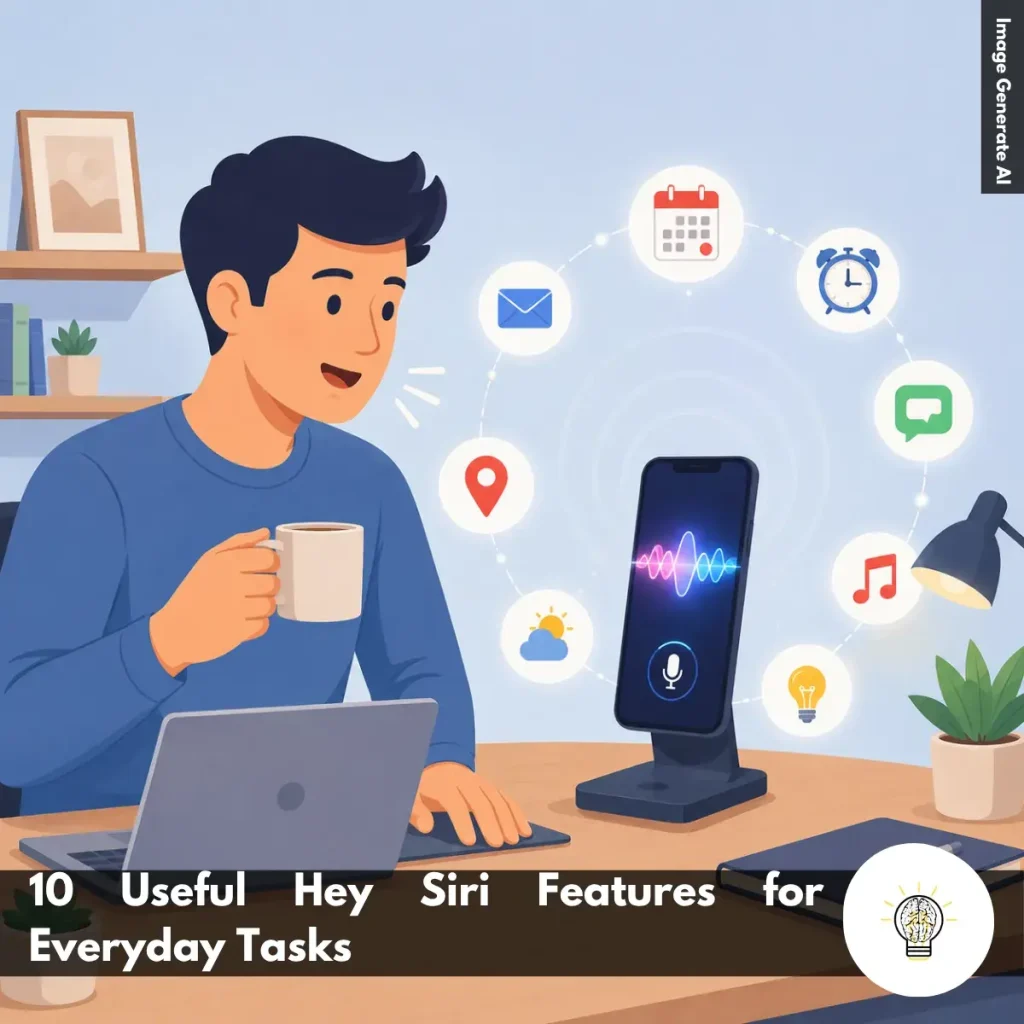
Ruminesia – If you use an iPhone regularly, chances are you’ve asked Siri to set an alarm, make a call, or check the weather. But for many users, that’s only scratching the surface of what Siri can actually do.
What makes Hey Siri Features useful isn’t just voice control itself—it’s the convenience they bring to everyday situations. Whether you’re driving, cooking, working, or multitasking, a quick voice command can help you get things done without constantly reaching for your device.
Interestingly, Siri becomes more valuable when you start using it beyond basic tasks. From managing reminders and navigation to controlling smart home devices, it can simplify small moments throughout the day in ways that are easy to overlook.
Key Highlights
- Siri can handle everyday tasks faster without requiring manual device interaction.
- Hands-free voice commands are especially useful while driving, cooking, or multitasking.
- Communication, reminders, and navigation are among Siri’s most practical daily features.
- Siri becomes more helpful over time by learning your habits and preferences.
- Smart home integration allows convenient control of compatible devices using voice commands.
- Small time-saving actions can make Siri feel like a genuinely useful digital assistant.
Siri is much more than a voice assistant that answers questions. Over the years, Apple has expanded Siri into a practical tool that can help with communication, productivity, navigation, entertainment, and smart home control. When used regularly, these Hey Siri Features can save time and reduce the need to manually interact with your device throughout the day.
One of Siri’s most convenient features is hands-free activation through the “Hey Siri” wake phrase. Instead of pressing a button or unlocking your device, you can simply say “Hey Siri” and immediately start giving commands. To use it:
In practice, this feature becomes especially valuable when your hands are occupied. For example, you can ask Siri to make a call while driving, set a timer while cooking, or check the weather while carrying groceries.
The real advantage is convenience. Rather than interrupting what you’re doing to pick up your phone, Siri allows you to stay focused on the task at hand while still accessing important functions.
Communication is one of the areas where Siri can save the most time. Instead of opening the Phone or Messages app, you can simply use voice commands to stay connected with friends, family, or coworkers.
For example:
- “Hey Siri, call Mom.”
- “Hey Siri, send a message to John.”
- “Hey Siri, read my latest messages.”
What many users don’t realize is that Siri can often read incoming messages aloud and confirm outgoing messages before sending them. This extra step helps reduce errors, especially when you’re speaking quickly or in a noisy environment.
This feature is particularly useful when you’re driving, exercising, or multitasking. It allows you to communicate safely and efficiently without constantly looking at your screen.
Finding directions is one of Siri’s most practical everyday uses. Instead of manually searching for a destination, you can simply ask Siri and begin navigating within seconds.
Helpful commands include:
- “Hey Siri, give me directions home.”
- “Hey Siri, find nearby coffee shops.”
- “Hey Siri, where did I park?”
Siri typically works with Apple Maps to provide navigation, estimated travel times, and nearby points of interest. Depending on your request, Siri can also suggest alternative routes or nearby businesses.
In real-world situations, this feature is especially useful when you’re already on the move. Whether you’re looking for the nearest gas station during a road trip or trying to find a restaurant in an unfamiliar area, Siri can help you reach your destination faster and with less distraction.
For many people, Siri functions as a personal productivity assistant. Creating reminders, alarms, and timers through voice commands is often much faster than opening multiple apps and entering information manually.
Common examples include:
- “Hey Siri, remind me to buy groceries at 6 PM.”
- “Hey Siri, set an alarm for 7 AM.”
- “Hey Siri, set a timer for 20 minutes.”
The convenience may seem small at first, but it adds up throughout the day. Instead of stopping what you’re doing to type a reminder or adjust an alarm, you can simply speak your request and continue working.
Whether you’re managing work deadlines, household tasks, or cooking schedules, Siri helps keep important tasks organized without adding extra steps.
Siri can also serve as a voice-controlled remote for your entertainment. This allows you to manage music, podcasts, and other audio content without touching your device.
Popular commands include:
- “Hey Siri, play my workout playlist.”
- “Hey Siri, pause the music.”
- “Hey Siri, skip this song.”
Besides basic playback controls, Siri can often search for specific artists, albums, genres, or podcasts. Depending on the apps installed on your device, Siri may also integrate with supported third-party media services.
This feature becomes especially useful during workouts, commuting, household chores, or any activity where manually controlling media would be inconvenient.
If your home includes Apple HomeKit-compatible devices, Siri can become the central control point for your smart home ecosystem.
Examples include:
- “Hey Siri, turn off the living room lights.”
- “Hey Siri, set the thermostat to 22 degrees.”
- “Hey Siri, lock the front door.”
Instead of opening separate apps for each device, you can control multiple connected products using simple voice commands. Siri can manage lights, smart plugs, thermostats, cameras, door locks, and other supported accessories.
What makes this feature particularly appealing is convenience. Imagine turning off every light in your home from bed or adjusting the temperature without leaving the couch. Small moments like these are where smart home automation feels genuinely useful.
Siri can quickly provide information that would otherwise require opening a browser and performing a search.
For example:
- “Hey Siri, what’s the weather today?”
- “Hey Siri, convert 10 dollars to euros.”
- “Hey Siri, what’s 25 times 8?”
Beyond basic calculations and conversions, Siri can answer general knowledge questions, provide sports scores, check time zones, define words, and deliver current weather updates.
The benefit here is speed. For quick facts and simple information requests, speaking a question is often faster than unlocking your phone, opening a search engine, and browsing through results.
If you frequently switch between apps, Siri can help streamline the process.
You can say:
- “Hey Siri, open Notes.”
- “Hey Siri, open Procreate.”
- “Hey Siri, open the Camera.”
While launching an app may seem like a minor task, it can save time when you’re moving quickly between activities. This is especially helpful if your device contains dozens of apps spread across multiple screens.
In practice, voice launching feels most useful when you’re trying to capture a quick photo, jot down an idea, or access a specific productivity app without searching for its icon.
One of Siri’s less visible but important capabilities is personalization. As you continue using your Apple devices, Siri learns patterns based on your habits and preferences.
For example, Siri may begin recognizing:
- Frequently contacted people
- Common destinations
- Preferred apps
- Regular daily routines
This information helps Siri provide more relevant suggestions and anticipate actions you may want to take. You might see reminders to call someone you frequently contact or shortcuts based on your normal schedule.
What many users don’t notice is that these small improvements gradually make Siri feel more responsive and context-aware over time.
While Siri is primarily designed for productivity, Apple has also included a variety of fun and casual interactions that make the experience more engaging.
You can try commands such as:
- “Hey Siri, tell me a joke.”
- “Hey Siri, flip a coin.”
- “Hey Siri, roll a dice.”
For users with HomePod devices, Siri can also handle commands like:
- “Hey Siri, intercom to all rooms.”
These features may not boost productivity, but they add personality to the assistant and can be surprisingly useful for quick decisions, family communication, or simply passing the time.
Interestingly, exploring these lesser-known commands often helps users discover capabilities they didn’t realize Siri had, making the overall experience more enjoyable and versatile.
Read more:
Frequently Asked Questions about Siri often focus on privacy, customization, voice commands, and everyday usability. Below are some of the most common Siri questions, along with concise and practical answers for Apple users.
You can change Siri’s voice by going to Settings > Apple Intelligence & Siri > Siri Voice. From there, choose different accents and voice options, including American, British, Australian, and more.
Once selected, your iPhone will automatically download the voice files over Wi-Fi. This allows Siri to sound more natural based on your preference.
Yes, Siri can handle several basic commands offline on supported iPhones. You can set alarms, open apps, control music, or adjust settings without internet access.
However, requests that need live information, such as weather updates or web searches, still require Wi-Fi or cellular data.
This usually happens because voice activation is disabled or the microphone is blocked. Check Settings > Apple Intelligence & Siri and make sure “Listen for ‘Hey Siri’” is turned on.
Besides that, avoid placing your iPhone face down or inside a thick case that may affect microphone detection. Restarting the device can also help fix temporary Siri issues.
To enable this feature:
Once enabled, Siri can read incoming messages aloud and let you reply hands-free.
Apple does not currently allow completely custom wake words for Siri. However, newer iOS versions let users shorten the phrase from “Hey Siri” to simply “Siri.” If you want more customization, you can use Vocal Shortcuts inside Accessibility settings to trigger certain actions using custom phrases.
You can delete Siri history directly from your iPhone settings. Go to Settings > Apple Intelligence & Siri > Siri & Dictation History, then choose the delete option. This removes stored voice recordings and Siri interaction history linked to your account. One thing many users overlook is that this can improve privacy management.
No, Siri does not continuously record private conversations. Your device only listens locally for the wake phrase like “Hey Siri” or “Siri.” Once Siri detects the trigger phrase, it begins processing your request. If preferred, you can disable voice activation entirely in the settings.
Activate Siri and say, “Learn how to pronounce my name.” Siri will guide you through a short pronunciation setup process. You’ll be asked to repeat your name, then select the pronunciation that sounds most accurate. Siri will save it automatically to your contact profile.
Yes, Siri can help locate a misplaced iPhone using other Apple devices like Apple Watch, HomePod, or iPad. Simply say, “Where is my iPhone?” to trigger the search. Even if the iPhone is in silent mode, it will still make a loud sound to help you find it quickly.
First, enable Siri access for WhatsApp in your iPhone settings. Open Settings > WhatsApp and turn on the “Use with Siri” option.
After that, specify WhatsApp directly in your voice command. For example, say “Send a WhatsApp message to Sarah” instead of only saying “Message Sarah.”
Siri has been part of the Apple ecosystem for years, but many users still only tap into a small portion of what it can do. Once you start exploring more of the available Hey Siri Features, it becomes clear that Siri is less about flashy technology and more about making everyday tasks a little easier.
Interestingly, the value of Siri often comes from small moments rather than breakthroughs. Setting a reminder while your hands are full, sending a message without stopping what you’re doing, or controlling devices around your home may seem simple individually, but together they can make daily routines feel more seamless.
At the end of the day, the best way to discover Siri’s usefulness is to make it part of your routine and see which features naturally fit your lifestyle. You might be surprised by the commands you end up using most often. What’s one Siri feature you find yourself relying on every day?