Physical Address
304 North Cardinal St.
Dorchester Center, MA 02124
Physical Address
304 North Cardinal St.
Dorchester Center, MA 02124

Your Guide to the Latest in Tech
Your Guide to the Latest in Tech
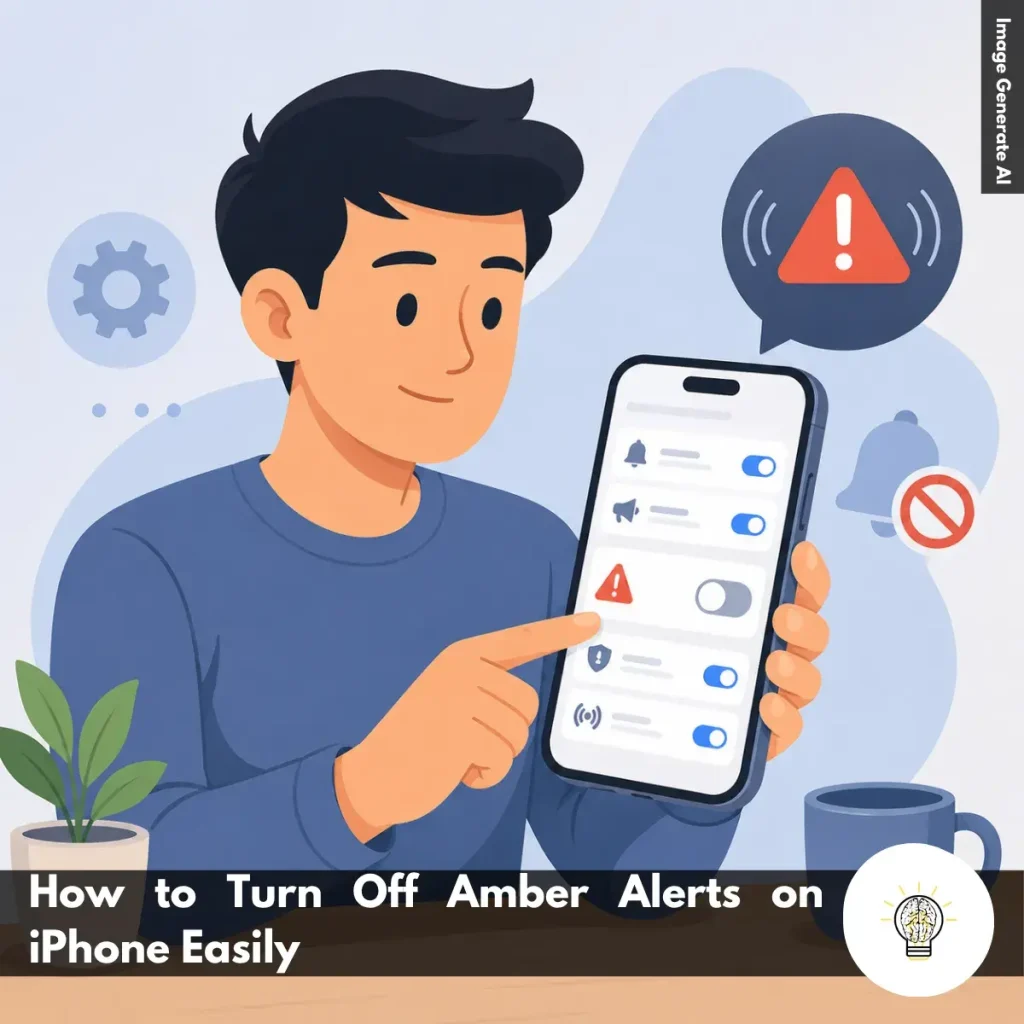
Ruminesia – Have you ever been caught off guard by a loud emergency notification on your iPhone and wondered whether you could turn it off? That’s often how people discover how to turn off AMBER Alerts on iPhone, especially when an alert arrives unexpectedly during work, sleep, or an important meeting.
The decision isn’t always straightforward. While some users want fewer interruptions, others aren’t sure what AMBER Alerts actually do or whether disabling them affects other emergency notifications on their device.
Interestingly, many iPhone owners don’t realize that Apple gives them control over these alerts through a simple setting. Understanding where to find that option—and what happens when you switch it off—can help you make a more informed choice about how your iPhone handles emergency notifications.
Key Highlights:
- Amber Alerts are enabled by default on most iPhones for public safety purposes.
- You can turn off Amber Alert notifications in less than a minute.
- The setting is located under Notifications in the Government Alerts section.
- Disabling Amber Alerts does not automatically turn off other emergency notifications.
- Amber Alerts help spread information quickly during child abduction emergencies.
- Before disabling them, consider the potential public safety benefits they provide.
Amber Alert is an emergency notification sent when a child is abducted or missing and believed to be in danger. On iPhone, it appears as a special alert to quickly inform the public and support search efforts.
The alert may include details such as the child’s description, a vehicle, or other identifying information. By reaching many people at once, it increases the chances of someone spotting a useful clue.
What makes Amber Alert important is its speed. In situations where every minute matters, quickly sharing information with the public can help authorities locate and safely recover the child.
Understanding how an Amber Alert reaches your iPhone can make the notification feel less surprising when it appears. The system is designed to spread urgent information quickly, helping more people stay aware during a child abduction emergency.
Amber Alerts play a key role in public safety by helping critical information reach people quickly. The faster communities become aware of a potential child abduction, the more opportunities there are to assist in a safe recovery.

If you no longer want to receive AMBER Alert notifications on your iPhone, you can disable them through the Settings app. The process only takes a minute and doesn’t require installing any additional apps or changing other notification settings.
Keep in mind that AMBER Alerts are enabled by default because they are part of Apple’s public safety notification system. If you decide to turn them off, your iPhone will stop displaying these alerts when they are issued in your area.
Begin by opening the Settings app on your iPhone. You can usually find it on your Home Screen, although it may also be located in the App Library if you’ve reorganized your apps.
The Settings app acts as the central hub for managing your iPhone’s features, including notifications, privacy settings, accessibility tools, and emergency alerts. Since AMBER Alerts are considered system-level notifications, this is where you’ll find the option to manage them.
Once you’re in Settings, scroll down and tap Notifications. This section controls how notifications appear across your device. Whether it’s messages, social media alerts, app reminders, or system notifications, you’ll find most notification-related settings here.
Besides that, Apple also places emergency and government-issued alerts within this menu, making it the starting point for managing AMBER Alerts.
After opening the Notifications menu, continue scrolling until you reach the bottom of the page. You’ll see a section labeled Government Alerts. Depending on your country or region, this area may contain several alert categories, including:
These notifications are separate from regular app alerts because they are issued by authorized government agencies and emergency management systems.
Locate the AMBER Alerts option and tap the switch next to it. When the toggle is turned off and appears gray, your iPhone will no longer receive AMBER Alert notifications. The change takes effect immediately, so there’s no need to restart your device or confirm additional settings.
This sounds simple, but many users overlook the fact that turning off AMBER Alerts only affects that specific alert category. Other emergency notifications may remain enabled depending on your device settings.
Before switching AMBER Alerts off, it’s worth understanding what you’ll be opting out of.
AMBER Alerts are designed to quickly share information about missing or abducted children with people in a specific area. The idea is simple: the more people who see the information, the greater the chance that someone may recognize a child, vehicle, or suspect and provide useful information to authorities.
What many users don’t realize is that these alerts are intentionally designed to be difficult to miss. The distinctive sound and notification style help ensure that important information reaches the public as quickly as possible during time-sensitive situations.
The steps above apply to most iPhone models running iOS 16 and later. If you’re using a newer version of iOS, the layout may look slightly different, but the overall process for turning off AMBER Alerts remains largely the same.
If you’re wondering how to turn on AMBER Alerts on iPhone, the process is quick and only takes a few taps. While AMBER Alerts are enabled by default in many regions, it’s worth checking your settings to make sure you can still receive these important child abduction notifications when they are issued in your area.
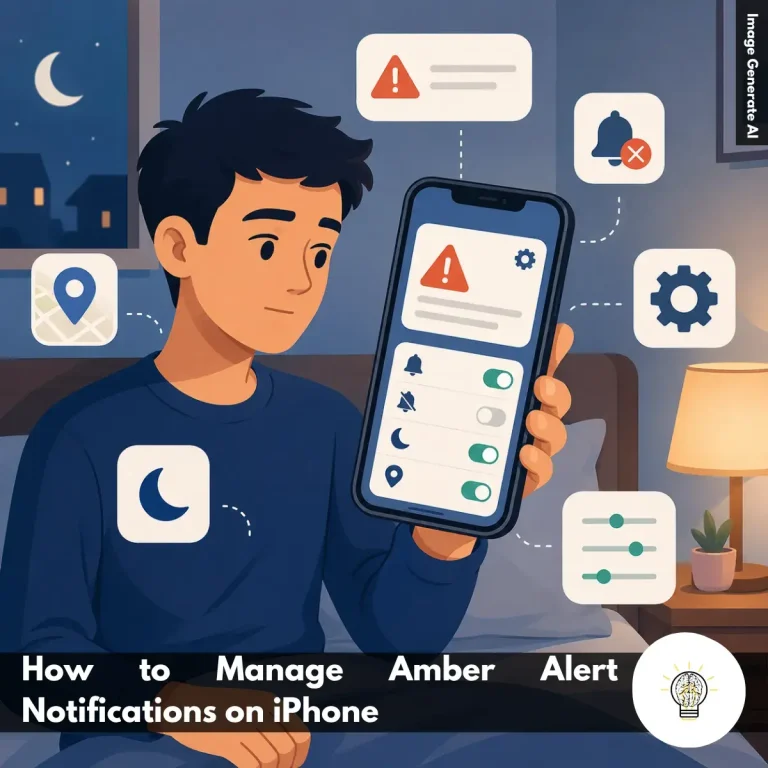
Managing AMBER Alerts on iPhone doesn’t always mean turning them off completely. If the notifications feel too disruptive, there are several settings you can adjust to make them less intrusive while still receiving important information when needed.
Read Also:
If you’re looking for quick answers about iPhone features, settings, and troubleshooting, this FAQ covers the questions users ask most often. These Frequently Asked Questions About iPhone provide practical solutions that are easy to follow.
If your iPhone is frozen and not responding, you can force restart it using the hardware buttons. Press and quickly release the Volume Up button, then press and quickly release the Volume Down button. After that, press and hold the Side button until the Apple logo appears.
This process does not delete your data. It simply forces the device to restart and is often the fastest way to resolve temporary software issues.
Sudden battery drain is usually caused by background app activity, recent iOS updates, high screen brightness, or location services running continuously. In some cases, your iPhone may also be indexing data after a software update. To identify the cause:
The quickest way to free up storage is to review what’s using the most space. You can find this information in Settings > General > iPhone Storage. Useful ways to clear storage include:
The main difference is that iPhone Pro models offer more advanced features. They typically include better cameras, higher-performance chips, premium materials, and ProMotion displays with smoother scrolling.
Standard iPhone models focus on everyday performance and affordability. For most users, they provide excellent performance, while Pro models are designed for photography enthusiasts, gamers, and content creators.
The easiest way is to use iCloud Backup. Once enabled, your iPhone automatically backs up important data when connected to Wi-Fi, charging, and locked. You can also create a local encrypted backup:
Apple’s Quick Start feature makes transferring data simple. Place your new iPhone near your old one and follow the on-screen instructions. Basic steps:
The process moves apps, photos, settings, and most personal data automatically.
Yes, modern iPhones are designed to handle overnight charging safely. Once the battery reaches full charge, the charging system automatically manages power delivery.
One thing many users overlook is the Optimized Battery Charging feature. When enabled, it learns your charging habits and helps reduce long-term battery wear.
You can reduce unwanted calls using the built-in Silence Unknown Callers feature. This automatically sends calls from unknown numbers to voicemail. To enable it:
For additional protection, consider using a trusted caller ID and spam-filtering app.
If your iPhone gets wet, act quickly to minimize potential damage. Turn the device off immediately and gently dry the exterior with a soft cloth. Follow these steps:
Do not place the device in rice, as small particles can enter the ports and cause additional problems.
You can disable location tracking through the Privacy settings. This gives you more control over how apps access your location data. To turn it off:
Alternatively, you can manage location access individually for each app, which is often the most practical option for balancing privacy and convenience.
Knowing how to turn off AMBER Alerts on iPhone ultimately comes down to personal preference. Apple gives users the flexibility to decide which notifications they want to receive, allowing them to balance convenience with the level of information they feel comfortable getting on their devices.
Interestingly, the decision is often about more than just avoiding interruptions. AMBER Alerts exist to quickly share critical information during time-sensitive situations, which is why some people choose to keep them enabled despite the occasional disruption. Others prefer a quieter notification experience and are comfortable adjusting their settings accordingly.
At the end of the day, there’s no single right choice—only the one that works best for you. Have you ever changed your AMBER Alert settings on iPhone, or do you prefer leaving them enabled? Your experience may be different from someone else’s, and that’s part of what makes these decisions worth thinking about.