Physical Address
304 North Cardinal St.
Dorchester Center, MA 02124
Physical Address
304 North Cardinal St.
Dorchester Center, MA 02124

Your Guide to the Latest in Tech
Your Guide to the Latest in Tech
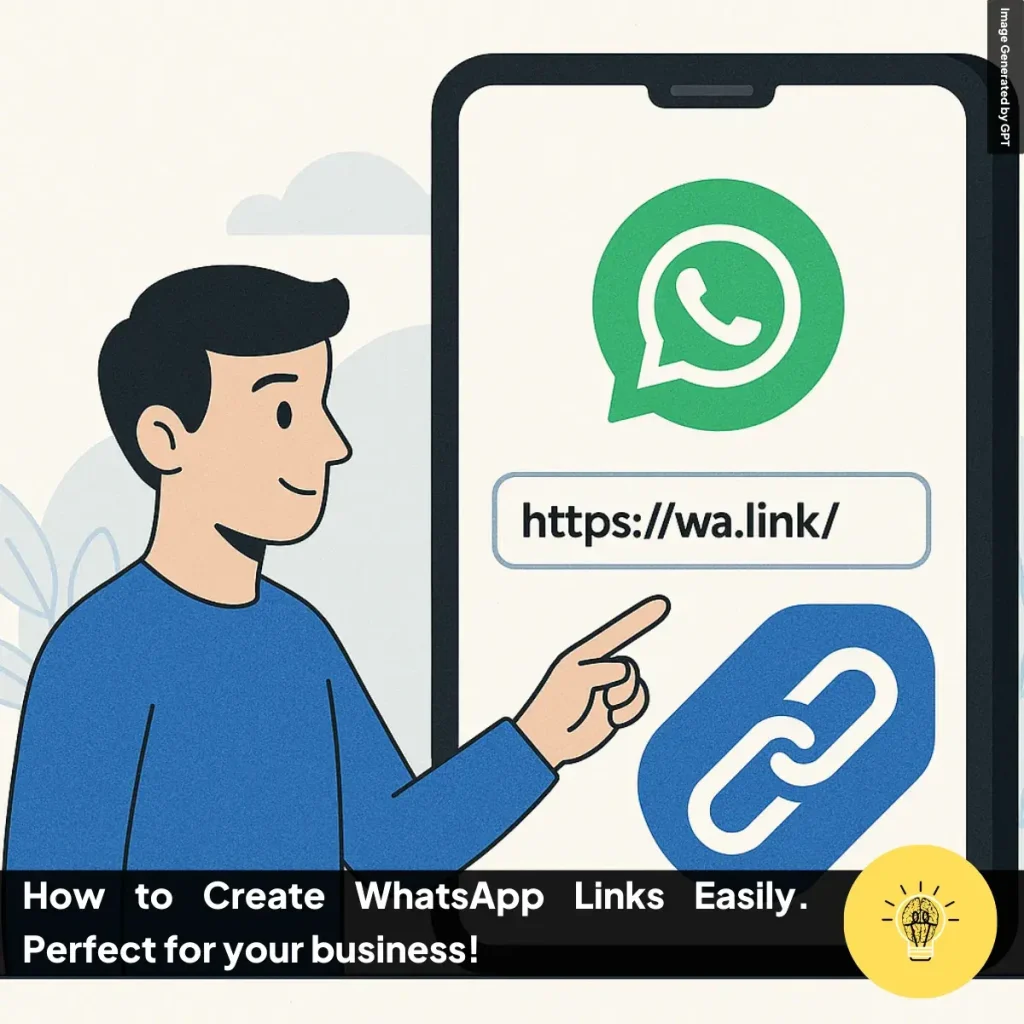
Ruminesia – Many customers prefer contacting a business through WhatsApp because it’s fast and convenient. Instead of asking them to save your phone number first, you can simply share a clickable link that opens a chat instantly. That’s why understanding how to create WhatsApp Links can make communication much smoother, especially for businesses that rely on quick responses.
WhatsApp links allow people to start conversations with just one click from a website, social media bio, advertisement, or even a QR code. This small feature can make a big difference in customer experience, helping you receive inquiries faster and reduce unnecessary steps for potential customers.
In this guide, you’ll learn the different ways to create WhatsApp links, including manual methods, automatic link generators, and simple ways to shorten or convert them into QR codes for easier sharing.
Key Highlights
- How to Create WhatsApp Links manually using official formats like wa.me or api.whatsapp.com to start chats without saving phone numbers.
- Always format phone numbers correctly by removing symbols and adding the country code, such as 62 for Indonesia.
- Use pre-filled messages in the link to make it easier for customers to start conversations and explain their needs instantly.
- Online WhatsApp link generators simplify the process and can automatically create links and QR codes.
- QR codes allow customers to start a chat by scanning, making them ideal for posters, packaging, and offline promotions.
- Link shorteners like Bitly help create cleaner URLs and allow you to track click performance from different platforms.
A WhatsApp link is a special URL that lets someone start a WhatsApp chat instantly without needing to save the phone number first. This feature is widely used by both individuals and businesses because it makes communication much more convenient.
For business owners, WhatsApp Links can be a simple yet powerful way to increase customer interaction. With just one click, customers can reach you directly without the extra step of saving your contact information. This makes it especially useful for customer support, product inquiries, promotions, and providing quick, real-time assistance.
Benefits of WhatsApp Links make it easier for people to contact you instantly without saving your number. This simple feature helps streamline communication and improves how customers interact with your business.
Why Should You Create a WhatsApp Link? Using a WhatsApp link makes communication faster and removes unnecessary steps for customers who want to contact you. It also helps businesses manage conversations more efficiently and improve marketing results.
Types of WhatsApp Links help you choose the most effective way to start conversations with customers. Each type of link offers different features depending on whether you want simple access, automated messages, or branded sharing.

Knowing how to create WhatsApp Links can make it much easier for customers to contact you instantly. You can generate these links manually using WhatsApp URL formats or automatically using online tools that simplify the process.
You can create a WhatsApp link without using any external tools by following the official WhatsApp URL structure. This method gives you full control over the phone number and the pre-filled message that appears when someone opens the chat. There are two common link formats you can use.
Before generating the link, keep these formatting rules in mind:
If you prefer a faster method, you can use a WhatsApp link generator to create the link automatically. These tools simplify the formatting process and usually offer additional features such as link shortening or QR code generation.
One commonly used tool is https://create.wa.link/, which helps generate WhatsApp Links quickly. To create the link, follow these simple steps:
Sometimes, WhatsApp Links can appear too long, especially when they include encoded messages. Using a link shortener like Bitly makes the URL cleaner and easier to share on social media, marketing materials, or ads. Follow these steps to shorten your WhatsApp link:
How to Create WhatsApp Links as QR codes so customers can start a chat simply by scanning with their phone. Converting your WhatsApp link into a QR code is useful for posters, product packaging, menus, or offline marketing materials.
Read More:
Below are some Frequently Asked Questions about WhatsApp that many users search for when learning how the platform works. These quick answers cover common features, privacy settings, and everyday usage to help you use WhatsApp more effectively.
Yes, WhatsApp is free to use internationally because it sends messages and calls through an internet connection rather than SMS networks. As long as you have Wi-Fi or a mobile data connection, you can communicate with anyone globally without additional WhatsApp charges. However, long voice or video calls may consume mobile data if Wi-Fi is not used. Pasted text
Yes, WhatsApp can be used on a computer through WhatsApp Web or the desktop application. Follow these steps to connect your account:
You can remove a sent message from both sides of a conversation using the Delete for Everyone feature. Follow these steps:
Yes, WhatsApp is generally safer than traditional SMS because it uses end-to-end encryption. This means only the sender and receiver can read the message content, making it harder for third parties to intercept or access conversations. Pasted text
No, a phone number is required to create and verify a WhatsApp account. The platform sends a verification code to confirm that the number belongs to you before activating the account. Pasted text
You can back up your chats through the WhatsApp settings to ensure messages and media are safely stored. Follow these steps:
When you block someone, they can no longer send messages, make calls, or see your profile updates. Your last seen online status and profile photo also become hidden from that person. Pasted text
Yes, you can use two accounts on one phone by using the regular WhatsApp app and WhatsApp Business, or by enabling the Dual Apps feature on some Android devices. Each account must use a different phone number. Pasted text
WhatsApp uses check marks to show message status:
You can also check message details by opening the message info screen. Pasted text
Yes, WhatsApp allows you to control who can see your online status. Follow these steps to adjust the setting:
Creating a quick way for customers to reach you can make communication much more efficient. By understanding how to create WhatsApp Links, you can allow people to start a conversation instantly without needing to save your phone number first. Whether you create the link manually using the wa.me format or generate it automatically with online tools, the process is simple and flexible.
You can also enhance these links by adding pre-filled messages, shortening them with tools like Bitly, or turning them into QR codes for marketing materials. These small adjustments help make your contact options easier to access and more convenient for potential customers.
Now that you know how to create and use WhatsApp links, try applying them to your website, social media bio, or promotional content. If you’ve already implemented this feature, consider sharing your experience or tips to help others improve their customer communication.