Physical Address
304 North Cardinal St.
Dorchester Center, MA 02124
Physical Address
304 North Cardinal St.
Dorchester Center, MA 02124

Your Guide to the Latest in Tech
Your Guide to the Latest in Tech
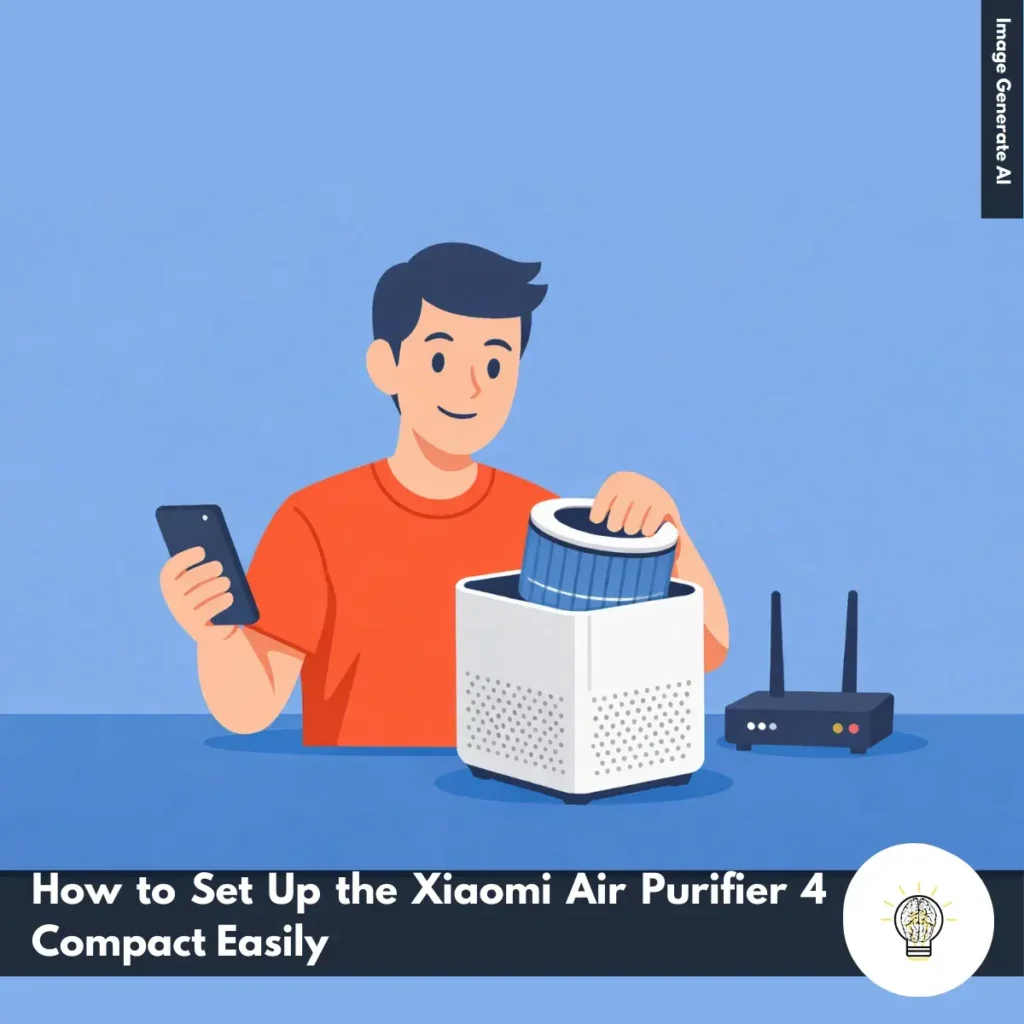
Ruminesia – Setting up a new air purifier should only take a few minutes, but missing a small step can affect how well the device works. Many users search for How to Set Up the Xiaomi Air Purifier 4 Compact because they want to make sure the filter, power connection, and smart features are configured correctly from the start.
The process is straightforward once you know the correct order. From installing the filter and powering on the device to connecting it with the Mi Home app and choosing the right operating mode, a proper setup helps the purifier deliver the best air cleaning performance for your room.
Key Highlights
- Proper setup starts by removing the filter’s plastic packaging and reinstalling the filter securely inside the purifier.
- The device begins working immediately after plugging in the power adapter and pressing the power button.
- Connecting the purifier to the Mi Home or Xiaomi Home app enables remote control and smart features.
- The purifier requires a 2.4 GHz Wi-Fi network because it does not support 5 GHz connections.
- Users can choose between Auto Mode, Sleep Mode, and Manual Mode depending on air quality and noise preferences.
- The child lock feature helps prevent accidental changes to settings by locking the control panel.
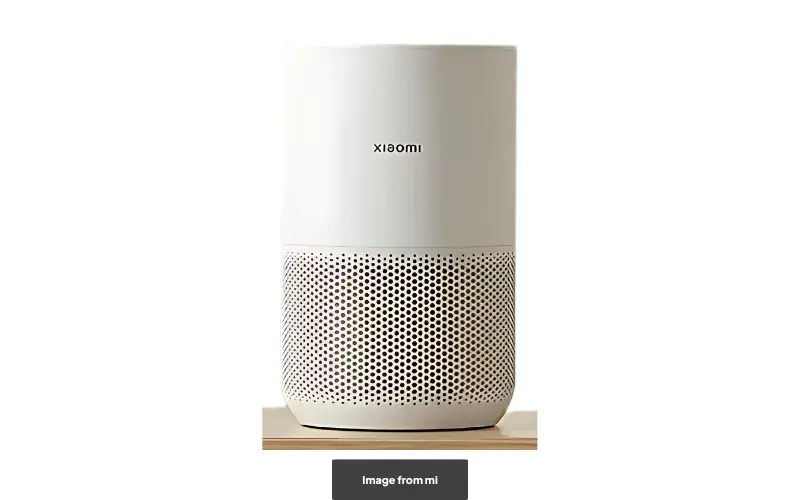
Learning how to set up the Xiaomi Air Purifier 4 Compact properly ensures the device runs efficiently from the start. The process is simple and only takes a few minutes, but following each step carefully helps the purifier deliver optimal air cleaning performance.
Before powering on the purifier, make sure the filter is properly installed and ready for use. Follow these steps during the initial setup:
This step is important because the purifier cannot filter air correctly if the filter remains wrapped.
After the filter is installed, the next step is turning on the device.
Once powered on, the purifier will begin circulating and filtering air immediately.
Connecting the device to Wi-Fi allows you to control it through your smartphone and access additional smart features.
If the connection fails, press and hold the light adjustment button for 7 seconds to reset the Wi-Fi settings, then try connecting again.
The Xiaomi Air Purifier 4 Compact provides several operating modes so you can adjust performance based on your environment.
You can switch between these modes using the mode button on the control panel.
The child lock helps prevent accidental button presses or changes to the purifier’s settings.
Repeat the same step if you want to disable the feature later.

After using the Xiaomi Air Purifier 4 Compact in daily use, I noticed several practical features that make it suitable for small rooms. In my experience, its compact design, responsive sensor, quiet operation, and simple setup make it a convenient air purifier for everyday use.
The first thing I noticed is the compact size. At about 35 cm tall and 22 cm in diameter, the device is easy for me to place in different rooms.
Because it is lightweight and small, I can move it between my bedroom and workspace without difficulty. Its compact, minimalist design also makes it suitable for apartments or small rooms where space is limited.
From my experience, the air quality sensor reacts quickly when indoor conditions change. When there is smoke or strong odors such as perfume, the device immediately changes its indicator color to red. This real-time air quality indicator helps me understand when the air quality drops.
The purifier includes three modes that I can choose depending on the situation.
Setting up the device was easy for me using the Mi Home app. I only needed to install the app, connect the purifier to Wi-Fi, and follow the pairing instructions. After that, I could monitor air quality and control the purifier directly from my phone.
The Xiaomi Air Purifier 4 Compact is typically sold between $89.30 and $101.71.
In my opinion, the price feels reasonable considering its compact design, responsive sensor, and quiet operation for small rooms or bedrooms.
Read More:
This FAQ section answers common questions about the Xiaomi Air Purifier 4 Compact, helping you understand its features, performance, and everyday usage. If you’re considering the Xiaomi Air Purifier 4 Compact for your home, these quick answers cover the most important things users usually want to know.
Yes, the Xiaomi Air Purifier 4 Compact is designed for small to medium-sized rooms. It supports a coverage area of around 16–27 m², making it suitable for bedrooms, small living rooms, or home offices.
The filter typically lasts between 6 and 12 months, depending on air quality and usage. The Mi Home app can notify you when the filter efficiency begins to decrease.
Yes, the purifier includes an activated carbon layer designed to absorb odors and harmful gases. It can help reduce cooking smells, pet odors, and cigarette smoke indoors.
In Sleep Mode, the purifier operates at around 20 dB, which is extremely quiet and similar to a whisper. This makes it suitable for bedrooms, nurseries, or quiet working environments. Pasted text
Yes, the purifier supports remote control through the Mi Home or Xiaomi Home mobile app. You can adjust fan speed, monitor air quality, and schedule operation directly from your smartphone.
The purifier consumes up to 27 W of power at maximum speed. This low power usage makes it energy-efficient and suitable for continuous daily operation.
Yes, the device includes a built-in particle sensor that monitors indoor air quality in real time. The results are displayed through a four-color indicator light on the device.
The purifier has a Particle CADR of 230 m³/h. This rating indicates how quickly it can remove airborne particles such as dust, pollen, and fine pollutants from a room.
No, the filter is not washable and must be replaced when it reaches the end of its lifespan. Washing the HEPA filter may damage the filtration structure and reduce purification performance.
Yes, the purifier can be placed either on the floor or on a table. Just make sure there is enough space around the unit so the 360° air intake system can work properly.
Setting up a new air purifier should only take a few minutes, but missing a small step can affect its performance. Many users look for How to Set Up the Xiaomi Air Purifier 4 Compact to ensure the filter, power connection, and smart features are configured correctly from the start.
Once you understand the setup order, the process becomes simple. From installing the filter and turning on the device to connecting it with the Mi Home app and selecting the right operating mode, proper setup helps the purifier work efficiently in your room.